Oak
Pure Go game engine
About Oak
Oak
A Pure Go game engine



Table of Contents
Installation
go get -u github.com/oakmound/oak/v4
Features and Systems
- Window Management
- Windows and key events forked from shiny
- Support for multiple windows running at the same time
- Image Rendering
- Manipulation
render.Modifiableinterface- Integrated with optimized image manipulation via gift
- Built in
Renderabletypes covering common use casesSprite,Sequence,Switch,Composite- Primitive builders,
ColorBox,Line,Bezier - History-tracking
Reverting
- Primarily 2D
- Manipulation
- Particle System
- Mouse Handling
- Joystick Support
- Audio Support
- Collision
- Collision R-Tree forked from rtreego
- 2D Raycasting
- Collision Spaces
- Attachable to Objects
- Auto React to collisions through events
- 2D Physics System
- Event Handler
Support
For discussions not significant enough to be an Issue or PR, feel free to ping us in the #oak channel on the gophers slack. For insight into what is happening in oak see the blog.
Quick Start
This is an example of the most basic oak program:
package main

import (
    "github.com/oakmound/oak/v4"
    "github.com/oakmound/oak/v4/scene"
)

func main() {
    oak.AddScene("firstScene", scene.Scene{
        Start: func(*scene.Context) {
            // ... draw entities, bind callbacks ...
        },
    })
    oak.Init("firstScene")
}
See below or navigate to the examples folder for demos. For more examples and documentation checkout godoc for reference documentation, the wiki, or our extended features in grove.
Examples
| <img width="200" src="examples/platformer/example.gif" a=examples/platformer> Platformer | Top down shooter | Flappy Bird |
| Bezier Curves | Joysticks | Piano |
| Screen Options | Multi Window | Particles |
Games using Oak
To kick off a larger game project you can get started with game-template.
| <img width="200" src="https://img.itch.zone/aW1hZ2UvMTk4MjIxLzkyNzUyOC5wbmc=/original/aRusLc.png" a=examples/platformer-tutorial> Agent Blue | Fantastic Doctor |
| Hiring Now: Looters | Jeremy The Clam |
| Diamond Deck Championship | SokoPic |
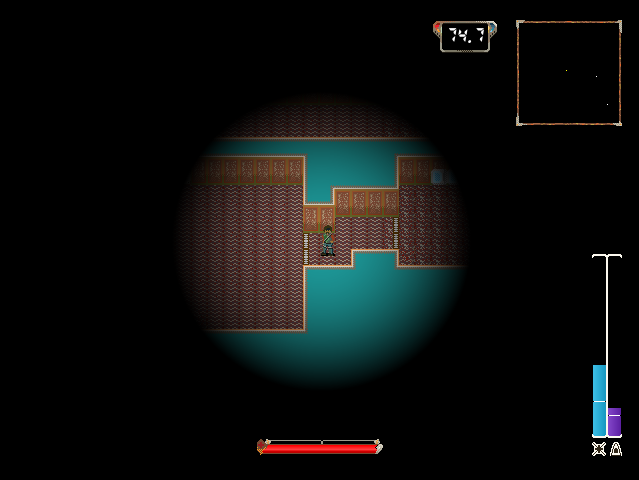
On Pure Go
Oak has recently brought in dependencies that include C code, but we still describe the engine as a Pure Go engine, which at face value seems contradictory. Oak's goal is that, by default, a user can pull down the engine and create a fully functional game or GUI application on a machine with no C compiler installed, so when we say Pure Go we mean that, by default, the library is configured so no C compilation is required, and that no major features are locked behind C compliation.
We anticipate in the immediate future needing to introduce alternate drivers that include C dependencies for performance improvements in some scasenarios, and currently we have no OSX solution that lacks objective C code.
Frequently Asked Questions
What is Oak?
Oak is a Game Development library for the Go programming language. Pure Go game engine
How many GitHub stars does Oak have?
Oak has 1,666 GitHub stars in the directory's latest synchronization.
How do I install Oak?
Install Oak with the Go module system using `go get oakmound/oak`. Check the repository for the current installation instructions.
What category does Oak belong to?
Oak is listed under Game Development, specifically Game Development.